Apple Sends out Email to Current .Mac Customers regarding Mobile Me

9 06 2008
Apple .Mac Mobile Me Email Upgrade

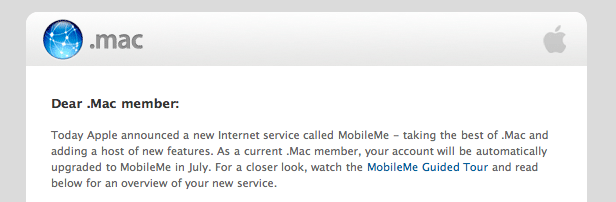
Apple has just sent out an email to all existing .Mac customers regarding the MobileMe service introduced today at the WWDC 2008 Keynote. The email briefly describes changes with new service and new features. The email contents are as follows:

“Dear .Mac member:

Today Apple announced a new Internet service called MobileMe – taking the best of .Mac and adding a host of new features. As a current .Mac member, your account will be automatically upgraded to MobileMe in July. For a closer look, watch the MobileMe Guided Tour and read below for an overview of your new service.

Mac integration you know and love. With MobileMe, you’ll continue to enjoy features that take advantage of seamless integration with Mac OS X and iLife – Back to My Mac; access to your iDisk in the Finder; Mac-to-Mac syncing of Dock items, preferences, and more; iWeb site publishing; and photo and movie sharing directly from iPhoto ’08 and iMovie ’08.

New web applications for when you’re away from your Mac. MobileMe features a suite of web applications at www.me.com that have the familiar look and feel of the applications on your Mac. Because these web applications stay in sync with your Mac and other devices, you’ll have the same information wherever you go. Here’s what you’ll find at me.com:

Mail, the anchor of the new suite, is even better with a refined interface.

Contacts has a new three-pane interface, contact groups, maps integration, search, and photo support.

Calendar is a brand-new web application that feels just like iCal, featuring multiple calendars, click-and-drag event creation, and more.

Gallery lets you manage your collection of shared photos and movies from anywhere. You can now upload photos, rearrange their order, and set sharing preferences, all from a browser.

iDisk now has the familiar look of the Mac OS X Finder. It features drag-and-drop filing and an easy new way to share large documents, by sending an email with a link for downloading the file.

Account lets you manage settings such as storage allocation.

To use the new web applications, make sure you have one of these browsers: Safari 3, Internet Explorer 7, or Firefox 2 or later.

Push email. Push contacts. Push calendar. In addition to Mac-to-Mac syncing, MobileMe now keeps your iPhone, your iPod touch, and even a PC in sync. MobileMe pushes new contacts, calendar items, and bookmarks to your Mac or PC, and over the air to your iPhone or iPod touch. For example, if you add a calendar event on the web, the change will automatically be pushed to your Mac and iPhone. New email will be pushed to your iPhone in seconds, eliminating the need to check for messages manually.

As a MobileMe subscriber, you can continue to use your mac.com address for email. You will also be issued a me.com address with the same user name that you can use if you prefer. The choice is yours.

Double the online storage. To give you plenty of space for your email, photos, and other files, MobileMe doubles your storage from 10GB to 20GB for an individual subscription.

We’ll be sure to update you when the new service goes live. In the meantime, if you have any questions about the upcoming transition from .Mac to MobileMe, please visit the MobileMe FAQ.

Sincerely,

The MobileMe Team”

More information coming soon. For now, you can check out Apple’s online guided tour here.


Get Your SMS-Updated-Live-WWDC-2008-AJAX-Keynote-Coverage Here!

4 06 2008

AJAX Liveblog Macworld 2008 Keynote Stevenote theiLife

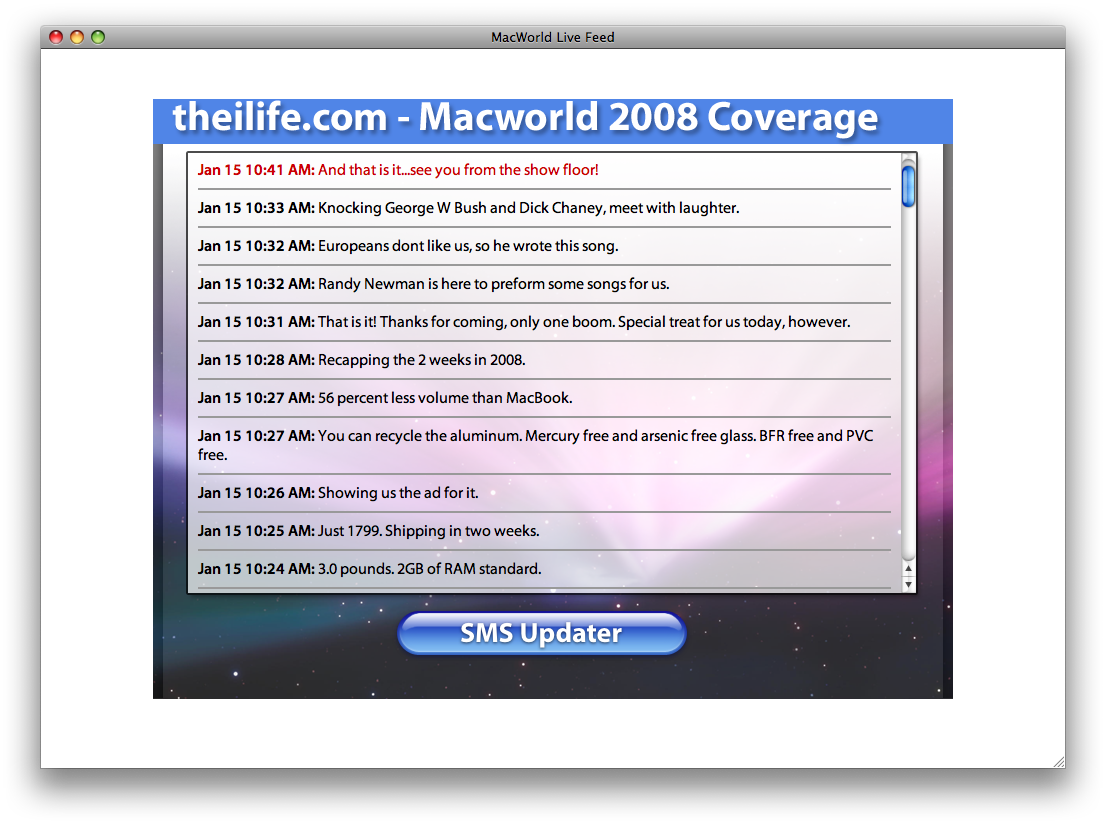
TheiLife.com is proud to formally announce that we will be liveblogging from the WWDC 2008 Keynote. This time around, we have refined our AJAX app from Macworld to be less server heavy so we can serve more users. The AJAX updater is still being tweaked, so it should be available by the end of the week. However, the SMS Updater is now live, so if you want to sign up to be updated with the latest urgent updates from the Keynote via SMS (expect about 10-20 messages), click here or the big shiny button below. Stay tuned for the latest information about WWDC here at theiLife.com.

SMS Updater


Teach your Apple Remote New Tricks!

2 04 2008

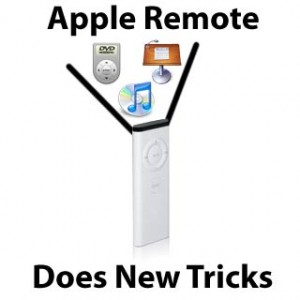
Yesterday, my article discussed the Apple Remote being removed from the box inside new Macs. Today, I’ll show you three ways you can better use it, if your were lucky enough to get one for free, or recently paid for one.

Apple Remote Tricks
Teach your Apple Remote new tricks!

If you have purchased a laptop since 2005, there is a very good chance it has a ‘SMS’ or Sudden Motion Sensor. This is basically an accelerometer which detects any sudden movement and will stop spinning the hard drive if enough movement is detected to protect it from being damaged in the fall, thus saving your data. Since the introduction of the Sudden Motion Sensor, developers have found clever ways to implement the accelerometer in their applications. Among the most useful is iAlertU.

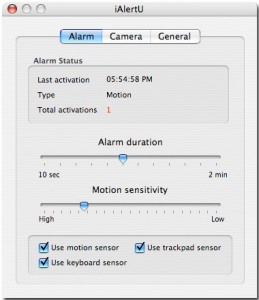
iAlertU

iAlertU is an alarm system for your Mac. When motion is detected, the alarm is triggered, and it will even capture images from your iSight of the perpetrator. You can use your Apple Remote to enable or disable the alarm, and it will chirp like a car! iAlertU is free, and available for download from SourceForge.

If you of are the more curious type, you might have already discovered that within a lot of Apple applications, you can use the remote. If you haven’t, for example, in QuickTime player, you can use the pause, forward, backward and volume up/down buttons to control a movie playing. In Keynote, you can advance a slide with the remote. In iPhoto, you can advance a photo with the next button on the remote. Maybe you get the idea.

A couple less intuitive secrets about the remote:

You can put any Mac with an IR receiver, docked iPod (with IR receiver) or AppleTV to sleep by pressing and holding the Play/Pause button. Pressing any button on the remote will then wake up the device.

Holding down the Menu button on the remote during startup of an Intel Mac will bring you to the Startup Manager (also accessible by holding the Option key). Also in this menu, you can eject a CD or DVD by pressing the volume up (+) button on the remote.

RemoteBuddy

Finally, if you are looking to do even more, there are a number of third party applications that will let you just about anything imaginable with your favorite remote. It comes down to a personal choice, but my favorite is RemoteBuddy. RemoteBuddy will allow you to use not only your Apple Remote, but many other IR based remotes- even a Wiimote! Touting support for over 100 applications, RemoteBuddy lets you easily configure your remote to do exactly what you want. Recently, RemoteBuddy added an ‘AJAX Remote’, which allows you to use your iPhone or iPod Touch to control your computer and interact with it similar to the Apple Remote, through Safari.

While RemoteBuddy is probebly the most robust and feature filled, you can also check out SofaControl, Mira and iRed Lite.

Hopefully now, you will give your remote a second look, and hopefully put it to use better- be happy if you got it for free!

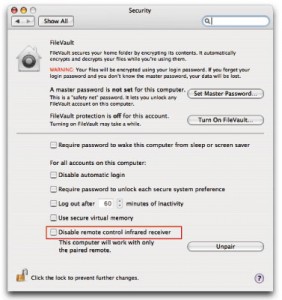
Disable IR Receiver Preference Pane

Also, as a side note, I highly recommend anyone with a Mac with an IR Receiver goes into the Security Preference pane and disable the receiver, so only paired remotes will work with your computer. This prevents anyone else with a Apple Remote bringing you into Front Row, or whatever you have your remote doing.


Macworld 2008 – Update II!

7 01 2008


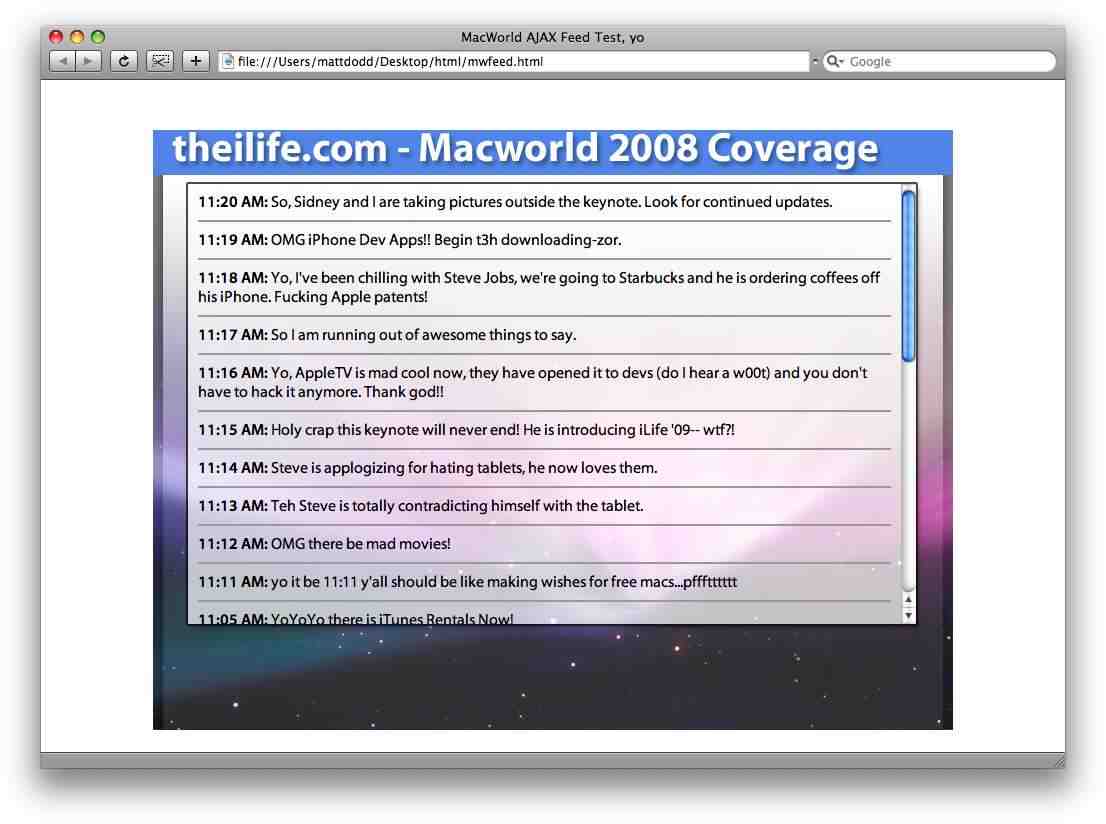
Macworld AJAX v2

Ok, so the official countdown reads now reads 7 days- time to update on Macworld! Sidney and I have been working on the AJAX app and are proud to announce that the framework has been completed this weekend. It is now time to add the Javascript to make everything pretty as well as add some parts of the back end, to make it easier to post while at Macworld. This means that the Application itself should be done before weeks end (or at least, in beta)! This screenshot above is not the photoshop mockup anymore, that is an actual HTML file. We are very proud to announce this, and will certainly let you know when you can start testing it, as well as registering your phones for SMS updates.